

Settings & billing
Workspace
Section titled “Workspace”- Name and logo appear at the top of every project sidebar.
- Default language sets the UI language for new members.
- Default model preferences suggest a model per agent (you can still override per request).
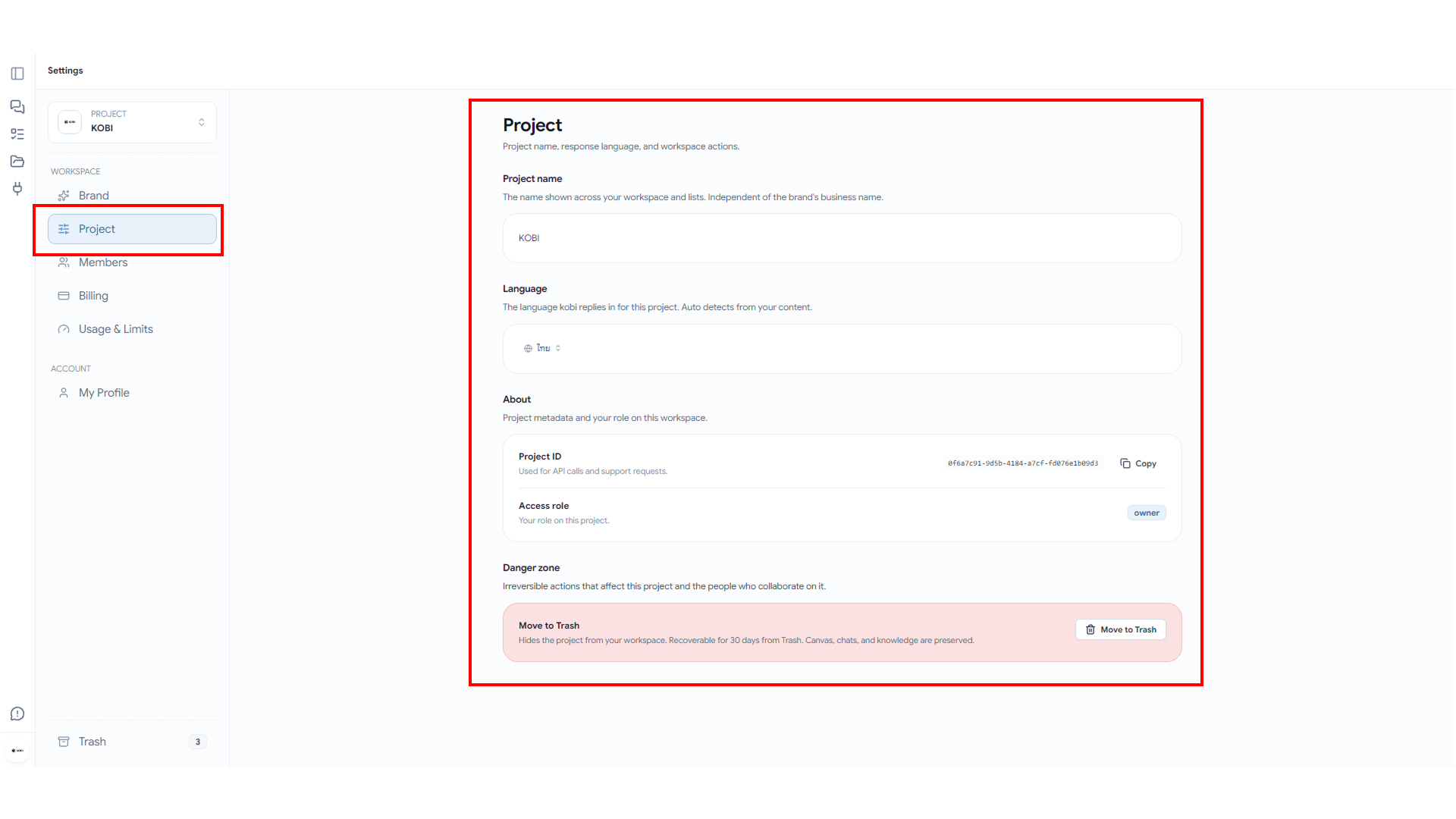
Members
Section titled “Members”Invite, remove, and change roles for everyone in the workspace. Pending invites can be resent or revoked.

Plan & usage
Section titled “Plan & usage”- See current plan, renewal date, and remaining quota at a glance.
- Upgrade or downgrade in self-serve.
- Usage breakdown by agent, model, and member for the last 30 days.
- Export a CSV for finance teams.
KOBI bills the project owner, not the actor — so a teammate running a heavy strategy workshop never gets billed personally.

Personas
Section titled “Personas”Personas are reusable configurations of voice, knowledge focus, and constraints. Create one for Investor pitch tone, Internal memo tone, Customer-facing copy — and switch agents to that persona without re-prompting.

Profile
Section titled “Profile”- Display name and avatar are visible to teammates and on shared boards.
- Notification preferences control how often you get email digests.
- Connected accounts for Google, GitHub, etc.

Account security
Section titled “Account security”- Reset password.
- Sessions: see and revoke active sessions on other devices.
- Delete account: irreversible, takes 7 days, exports all your data first.
Beta feedback
Section titled “Beta feedback”The Send feedback button at the bottom-right is a direct channel to the team. We read every message during beta.